Tips for Zoom Info Sessions:
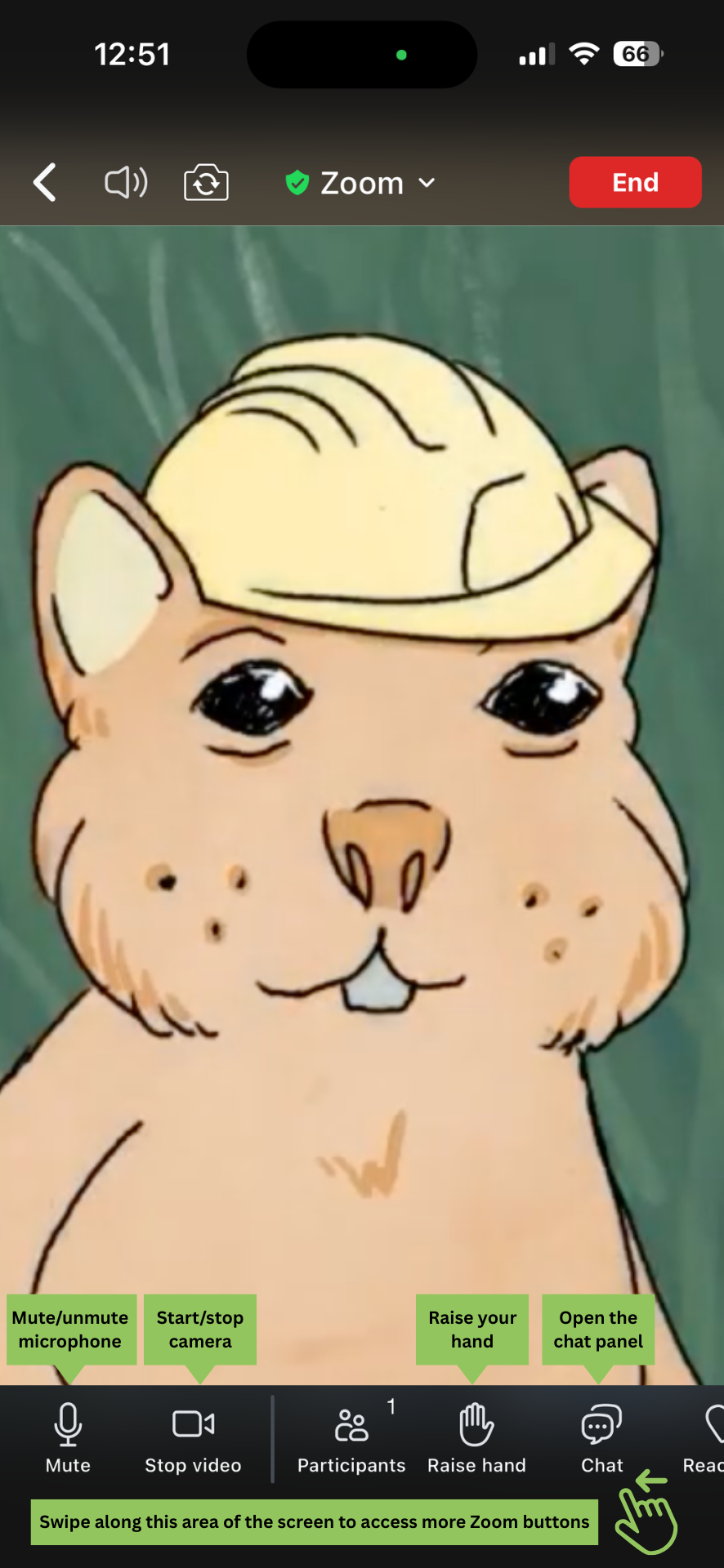
Stay on “mute” when you’re not talking to prevent disruptions to other speakers from your background noise.
To temporarily unmute - hold down the spacebar on your keyboard. To unmute fully, click the unmute button.
Turn your camera on or off by clicking the “Video” button.
Use Zoom Chat during the meeting to write questions or comments.
Use the “React” button to send a reaction!
“Raise your hand” to let the host know you would like to speak.
Exit the meeting by clicking the “End” button.

If you are joining from your mobile device:
Access the Zoom buttons at the bottom of your screen.
Swipe along the buttons to see more options.
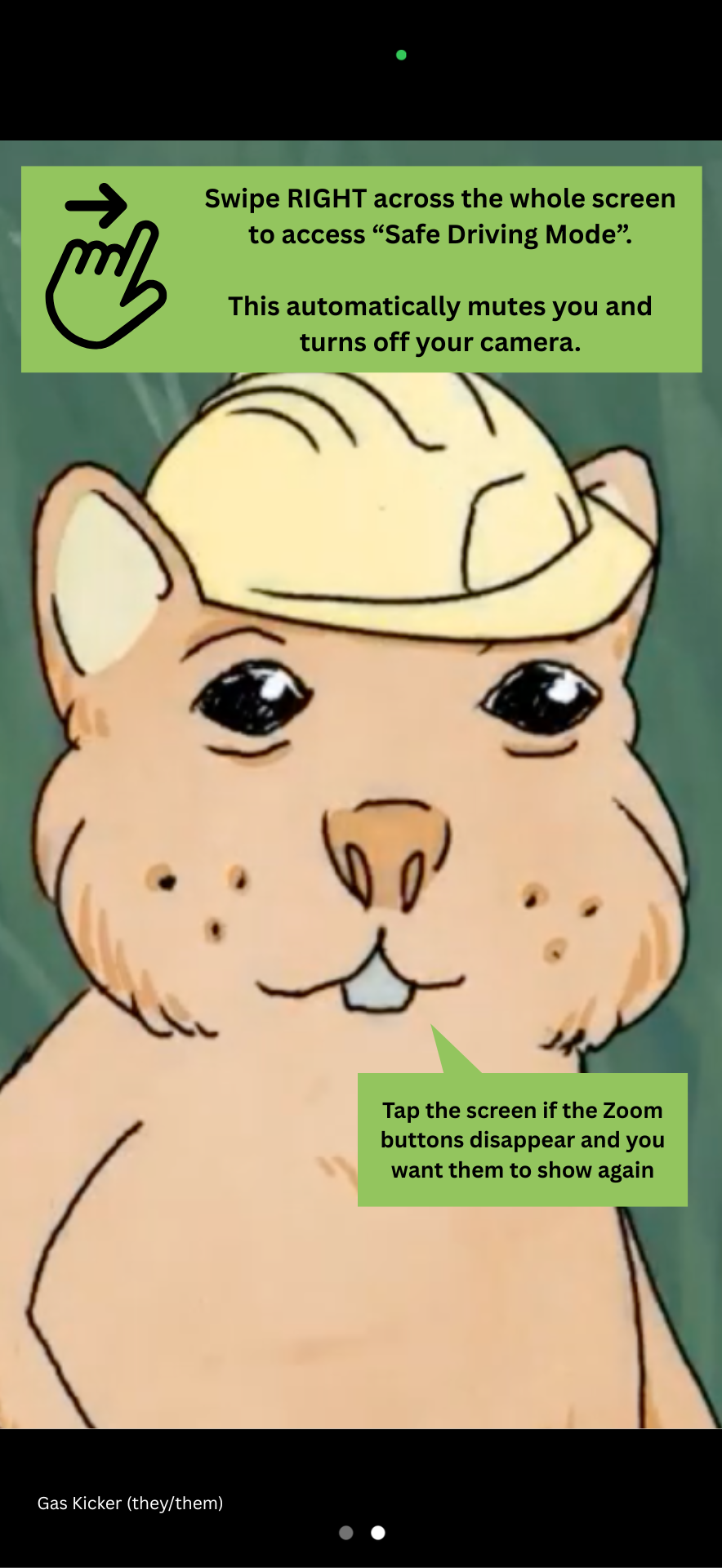
If the buttons disappear, tap your screen to bring them back.
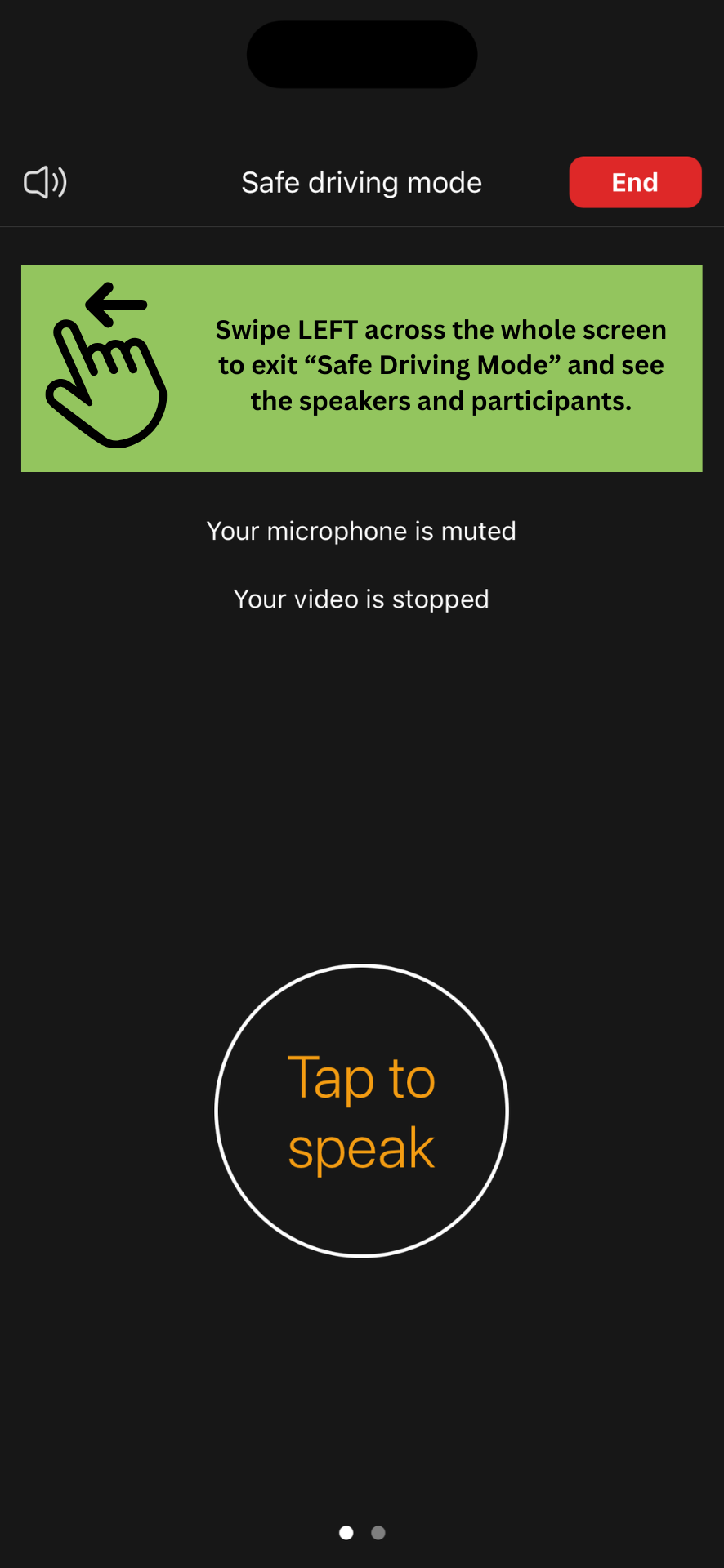
Swipe left or right across your whole screen to switch between “Safe Driving Mode” and the participants gallery.